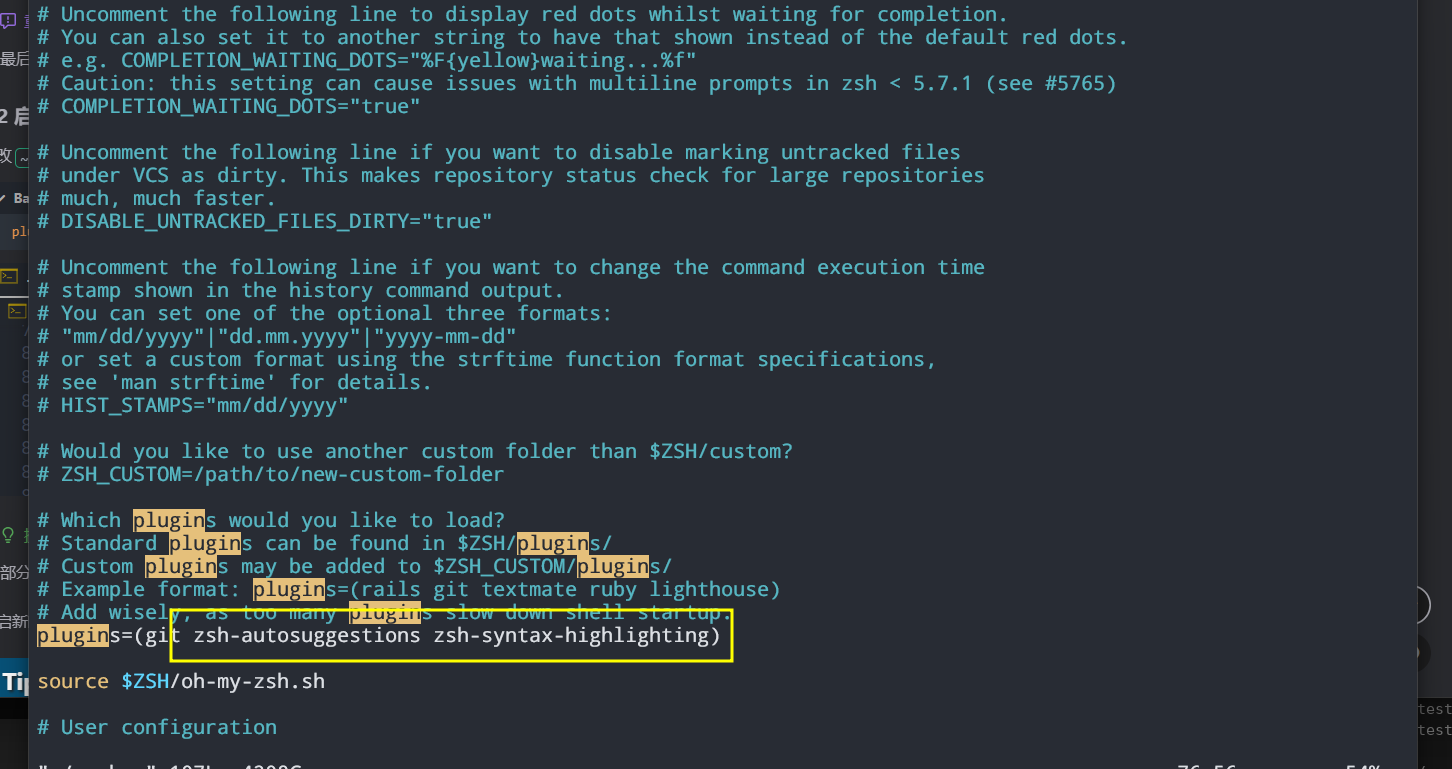
zsh 安装与配置
环境检查与配置
1.1 安装基础工具
# 更新软件源
sudo yum update && sudo yum upgrade -y
# 安装 zsh git curl
sudo yum install zsh git curl -y
1.2 设置默认终端为 zsh(注意:不要使用 sudo)。然后注销并重新登录用户,使更改生效。
chsh -s /bin/zsh
#
如果无效,尝试采用这个命令
chsh -s $(which zsh)
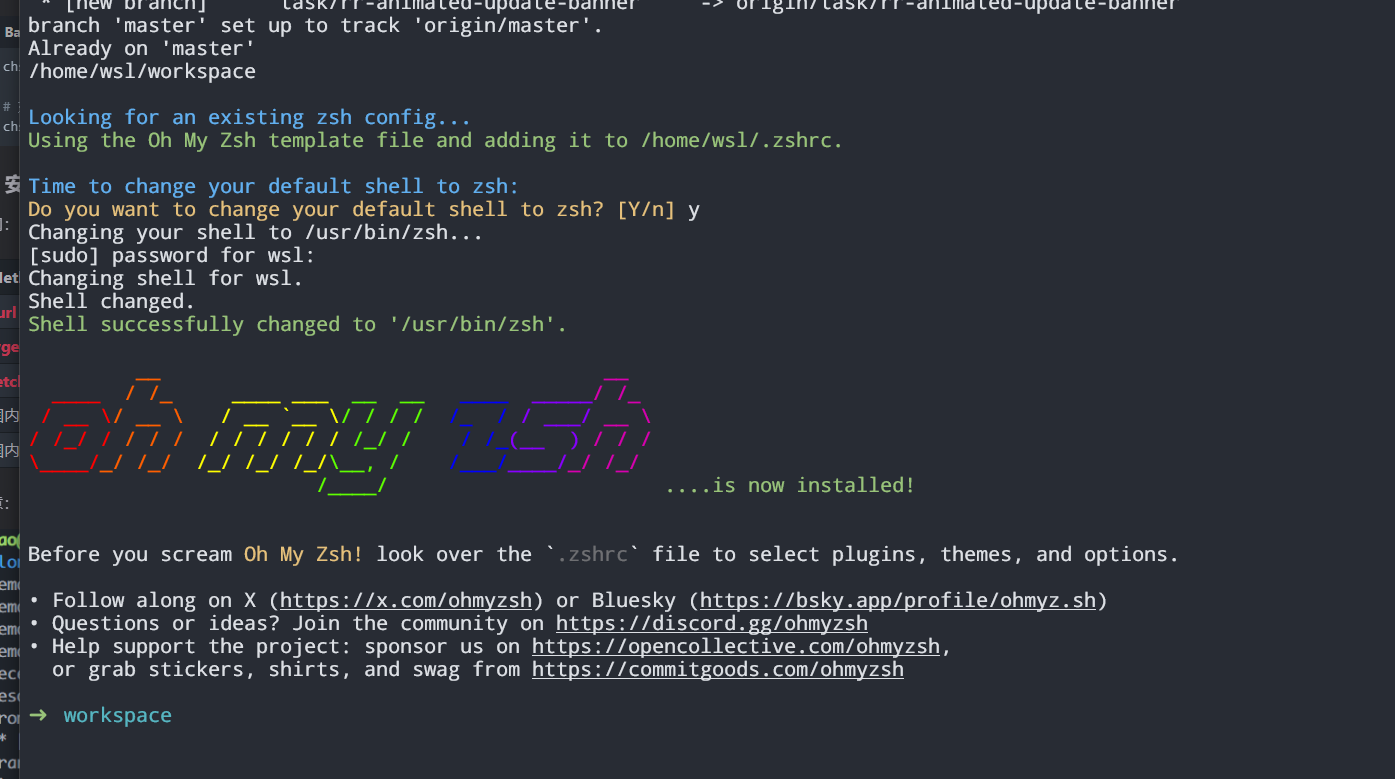
1.3 安装 oh-my-zsh
sh -c "$(curl -fsSL https://install.ohmyz.sh/)"
2 安装插件
git clone https://github.com/zsh-users/zsh-autosuggestions ${ZSH_CUSTOM:-~/.oh-my-zsh/custom}/plugins/zsh-autosuggestions
git clone https://github.com/zsh-users/zsh-syntax-highlighting.git ${ZSH_CUSTOM:-~/.oh-my-zsh/custom}/plugins/zsh-syntax-highlighting